

What Coding Teaches as Thinking
Programming is the skill of breaking a goal into exact steps a machine can follow. A computer does what you say, not what you meant, so coding games train precise instructions, patterns that repeat and checking your work when the result is off. Those habits help in many places outside a screen.
Start With Blocks
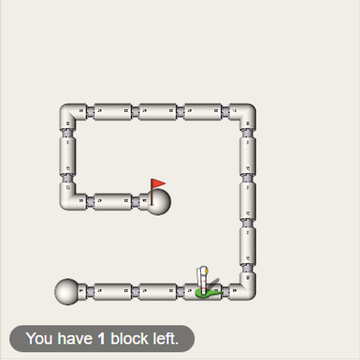
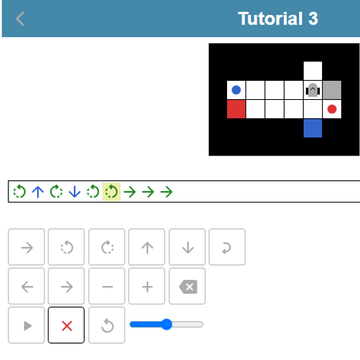
Block Code Maze has you build programs from colored blocks to guide an astronaut through white pipes to a red flag, across ten levels that add loops and decisions. Block Code Turtle Art lets a turtle-shaped pen draw lines on a black canvas, and your job is to copy each gray outline. Robot Coder asks you to plan a full list of commands, press play and watch a robot carry items to targets of the same color, mistakes included.
Move On to Real Code
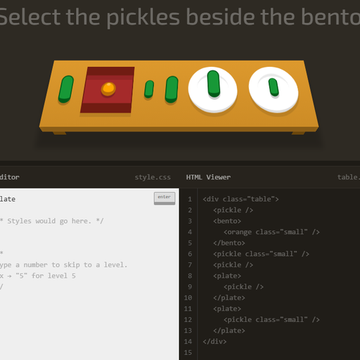
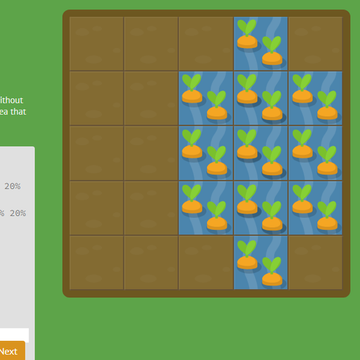
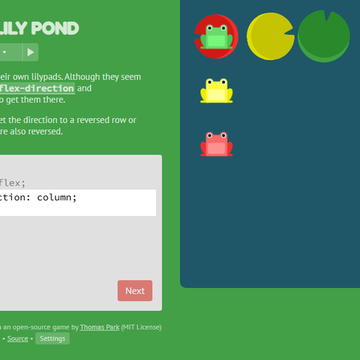
CSS Diner sets a table with plates, bento boxes and fruit, and you type the CSS selector that picks only the items in the order. Flexbox Lily Pond has you write real flexbox rules so green, yellow and red frogs reach matching pads. CSS Grid Carrot Patch applies the same idea to grid layout.
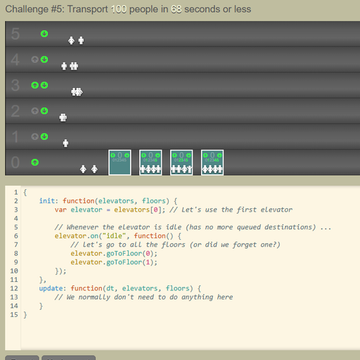
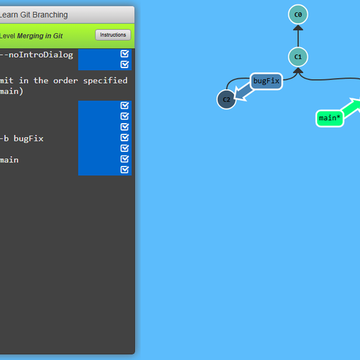
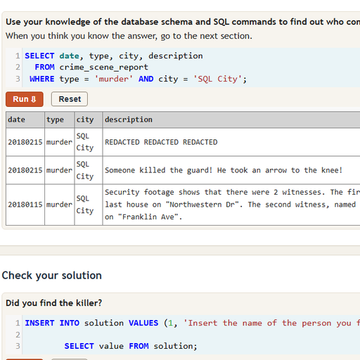
Older students can try SQL Detective Mystery, which hides a crime from SQL City in database tables, and Learn Git Branching, where you type git commands until your commit tree matches a target. Elevator Saga asks for a JavaScript program that moves riders well enough to beat each challenge.
Choosing by Difficulty
The block games, CSS Diner and the two CSS layout games are labeled easy. Robot Coder, SQL Detective Mystery and Learn Git Branching are medium, since they need several commands working together. Elevator Saga is hard and fits someone who already writes simple JavaScript.
For Parents and Teachers
When a program fails, resist giving the fix. Ask the learner to walk through their steps one at a time and point to where the result first went wrong. Finding that line is the core of debugging.