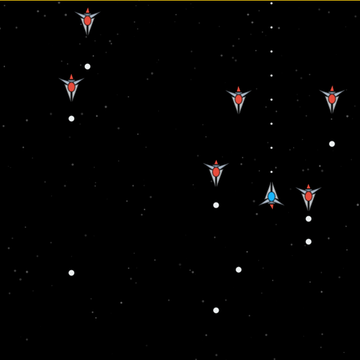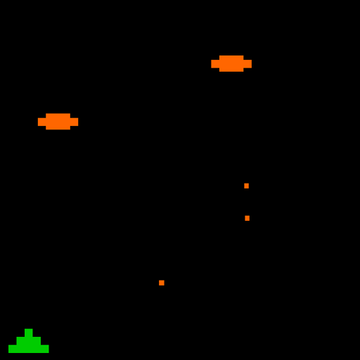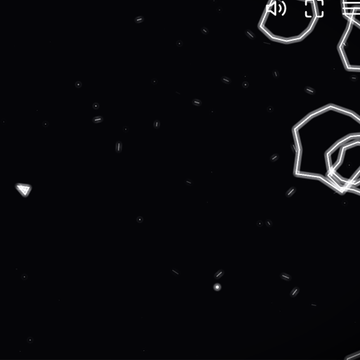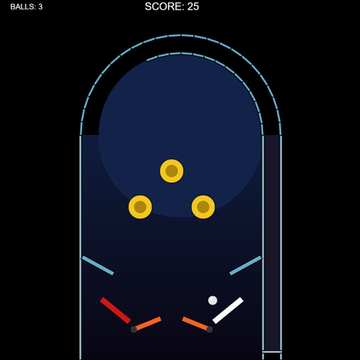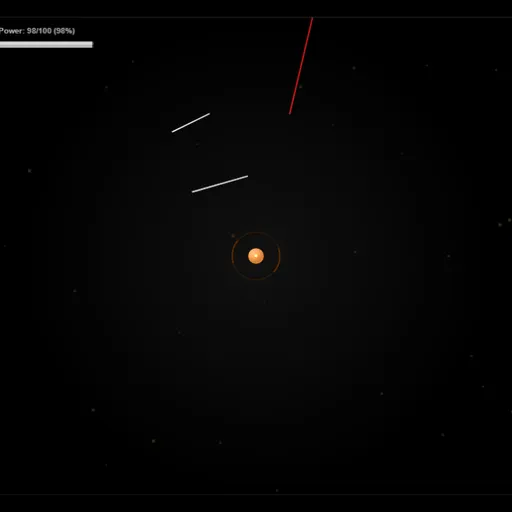
SpacePi is a defense game where your weapon is a line you draw. A small orange base sits in the middle of the screen, and red streaks fly in from the edges to hit it. You drag short white lines across their path to destroy them. The goal is to keep the base safe while it grows to its target size.
How SpacePi Works
Pick a level from the row of 13 on the upgrade screen. Only the first is open at the start. The Completion bar at the top tracks how close the base is to its goal. Each hit from a red line takes a bite out of it.
A drawn line bursts any red streak that crosses it. Every line costs power equal to its length, and the Power bar refills over time. If you run low, your line stops where the power ends.
Destroyed enemies often leave coins and sometimes a power-up. Move your pointer near them and they drift over. Coins buy ten upgrade tracks, each with five steps. Power-ups can slow enemies, give unlimited power, double base growth or scatter coins.
Your First Few Minutes
- Press Play Game and choose level 1.
- Watch all four edges as the first streaks come in.
- Drag a short line just in front of each streak.
- Sweep your pointer over coins between attacks.
- After the level, spend coins on Power Capacity or Power Generation.
Controls for SpacePi
| To do this | Keyboard | Mouse | Touch screen |
|---|---|---|---|
| Draw a defensive line | not used | Click and drag | Drag a finger |
| Pull in coins and power-ups | not used | Move the pointer near them | Touch near them |
| Pause or resume | Space | not used | not used |
| Buy upgrades and pick levels | not used | Click the buttons | Tap the buttons |
What It Trains
SpacePi asks for fast reactions. Streaks come from any side, and you need to spot them and draw in time. Keeping track of the whole screen at once builds focus.
It also has a resource side. Power is limited, so you judge how long each line should be and where it will do the most good.
Strategy Notes
- Keep lines short and close. A small line right in front of a streak blocks it cheaply.
- Protect the opening seconds. The base starts tiny, so an early hit can end the level.
- Upgrade power first. Capacity and generation set how many lines you can afford in a busy wave.
- Collect with the pointer. Coins are pulled to your cursor, not the base.
- Farm earlier levels. Replaying a cleared level is a safe way to save up for upgrades.
Good to Know
SpacePi plays best with a mouse. Touch drawing works, but there is no on-screen pause and precise lines are harder on a small screen. Jack Rugile made it for js13kGames, and we scaled the frame and added touch drawing.